Projects
This section contains projects that have been used to demonstrate some random tools using various web/computer technologies and concepts.
Mapping Applications with Account Login
Map Area Calculator Tool
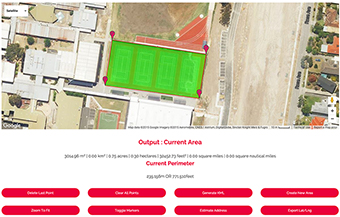
Measure areas on a map. Save areas in your account to load and view later
Measure Area on MapGoogle Maps Distance Calculator
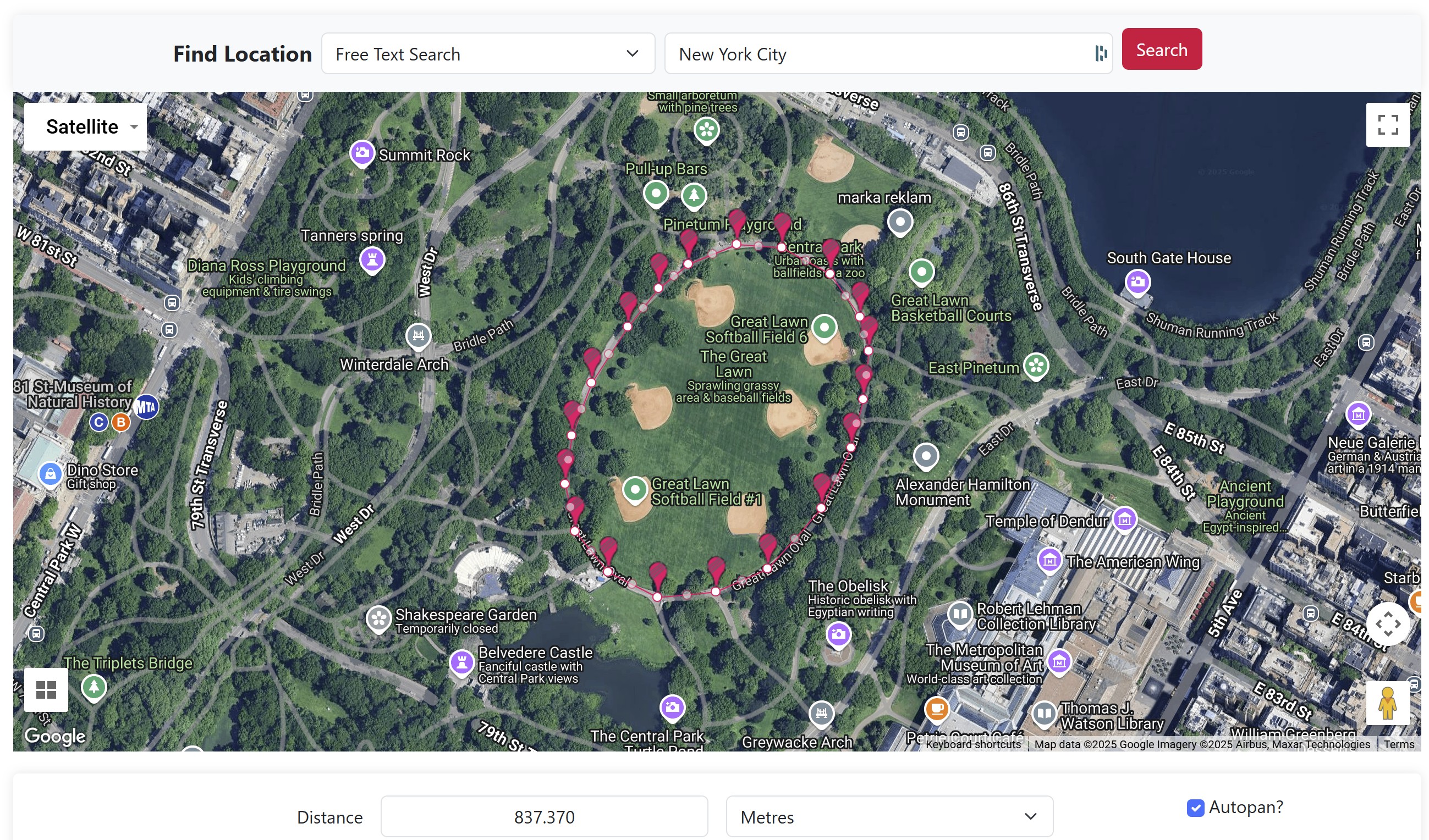
Measure a route on a map and save in your account for later.
Measure Distance on a MapOther Mapping Applications
Explore mapping tools to measure areas and elevations.
Distance Calculator
Determine the distance between two points on the Earth.
Calculate Distance on Map
Distances From Point
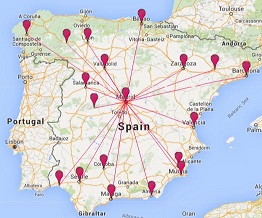
Calculate the distance from a single point to multiple locations on a map.
Calculate DistancesGoogle Maps Guestbook
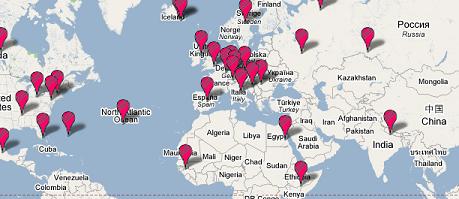
Allow visitors to add comments on a map showing their location.
View Guestbook
Generate Destination Map
Generate an embeddable map showing multiple destinations from a central point.
Generate MapGoogle Maps API
Explore tools and games utilizing Google Maps.
Online CSV Polyline Encoder
Create encoded polylines by inputting points in CSV format.
Encode PolylineConvert Encoded Polyline To Lat/Lon List
Extract an encoded polyline to a CSV latitude and longitude list.
Convert Polyline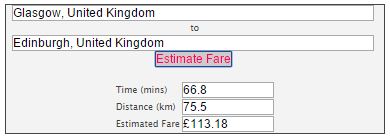
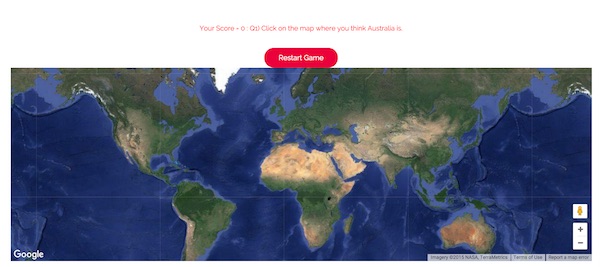
Map Games
Games utilizing Maps.

PHP
P(((PHP: Hypertext Preprocessor): Hypertext Preprocessor): Hypertext Preprocessor): Hypertext Preprocessor etc....
A recursive acronym and also a server scripting language.
Decode Dreamweaver Password
Find out the FTP password stored in Dreamweaver .ste file.
Decode PasswordClear Temporary Internet Files
Simple, browser-dependent instructions to delete your temporary internet files.
View InstructionsVisual Basic Script
Explore Visual Basic Script tools.
JavaScript
Explore various JavaScript-based tools and utilities.

Convert DMS and Decimal Degrees
Convert latitude and longitude coordinates between DMS and decimal.
Convert NowBulk Upload Cup Fixture Generator
Create a fixture list in bulk for knockout format events.
Generate FixturesOthers
Various tools and widgets for different purposes.
Facebook and Twitter Widget
A widget that shows a Facebook page feed and a Twitter user feed.
View WidgetComments For This Page
Love the diversity and creativity of the stuff you have done and thank you for sharing it
By Mark Thompson on 16th August 2022Hello how do I merge different distances I drew on Daftlogic?
On 26th July 2022Hi Ian, I'm not sure what you mean. Can you explain in more detail please?
By Daft Logic on 11th June 2021amazing projects! would it be possible to do a buffering tool (around a point) with .csv upload for multiple points?
By Ian White on 9th June 2021James, this looks possible to do. We have added it to our to-do list.
By Daft Logic on 15th March 2021Hello, any chance you have made a polyline decoder? I.e. the reverse of the encoder? Cheers!
By James on 8th March 2021how can we get your software of electrical design
Great Website! Extremely useful for contractors and homeowners. Thanks for your awesome measuring tool!
By Dillon on 17th October 2017i love the cool projects "daftlogic". thanks..
By krunal on 4th April 2017Thanks for the positive comments Eliud!
By Daft Logic on 12th January 2017I am am greatly impressed by your WORKS !!! amazing man!! Totally loved your projects.
By Eliud Ngugi on 12th January 2017I love the area calculator and distance calculators. As a farmer, I can quickly determine paddock size for planning purposes or just view the imagery to look objectively at my farm as a whole. Great apps!
By Nicole on 18th February 2016very very nice tanks
By keyvan moghimi nejad dehkordi on 19th August 2015Great ideas, handy apps, thanks for sharing!
By Richard on 19th August 2015The distance calculator is very handy. I like the fact that it accepts multiple formats.
By Dan Noel on 31st July 2015tanks, i like this calculate area
By tewelde on 25th February 2015tanks for area calculate product
By tewelde_tadesse@yahoo.com on 25th February 2015Online CSV Polyline Encoder
Thansk
well done !
By hfzhbq on 24th April 2014Thank You. The distance calculator is a great program. Very useful
20 out of 33 comments shown.
Add Your Comment
There's no need to create an account or provide unnecessary details. Just your comment.